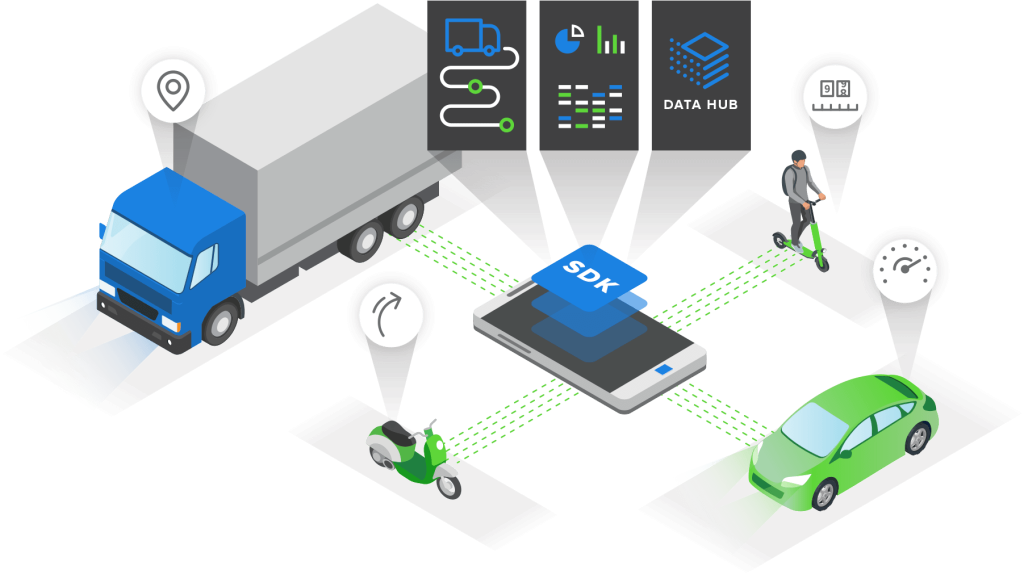
Build powerful telematics applications with our comprehensive SDK. Access accurate trip tracking, driver scoring, and real-time analytics with just a few lines of code.
Our SDK provides a complete telematics solution with advanced features and seamless integration.
Multi-Platform Support
Native SDKs for iOS and Android, plus support for React Native, Flutter, Cordova, and Xamarin
Driver Scoring
Kotlin & Java
React Native
Flutter
Battery Optimized
Intelligent power management ensures minimal battery drain while maintaining accurate tracking
Smart detection
Adaptive sampling
Background processing
< 5% battery usage
Privacy First
Built-in privacy controls and GDPR compliance to protect user data and build trust
Data encryption
User consent
GDPR compliant
Secure storage
Easy Integration
Get up and running in minutes with our comprehensive documentation and code samples
Quick start guide
Code examples
Live support
SDK updates
Automatic Trip Detection
AI-powered trip detection automatically identifies and records vehicle journeys
Auto-start/stop
Auto-start/stop
Trip classification
High accuracy
Global Coverage
Works worldwide with support for all regions, road types, and driving conditions
Offline maps
Multi-country
All road types
Weather adaptive
Rich Data Capture
Capture comprehensive driving data for advanced analytics and insights.
Trip Data
GPS coordinates and route tracking
Distance, duration, and speed metrics
Start/end locations with addresses
Transport mode detection
Road type classification
Time zone and timestamp data
Driver Behavior
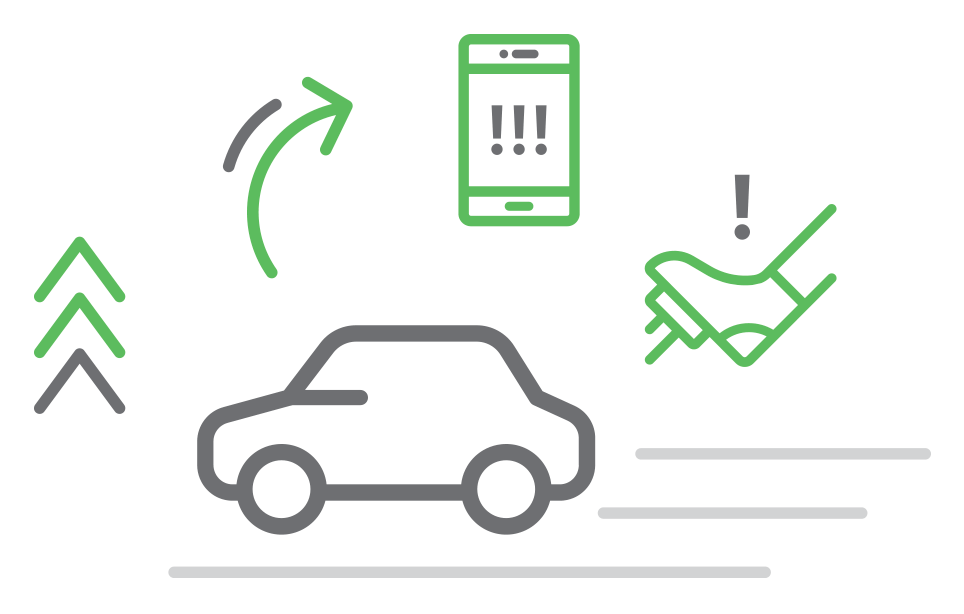
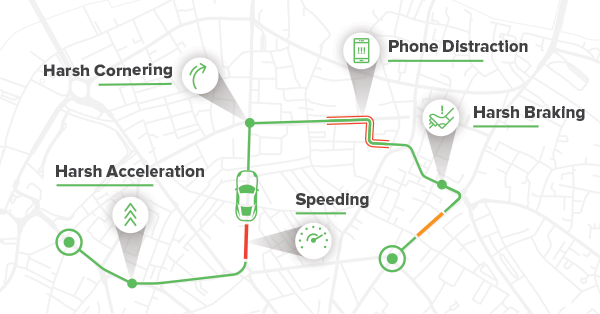
Acceleration and braking events
Acceleration and braking events
Speed limit violations
Phone usage while driving
Distraction detection
Safety and eco-driving scores
Supported Frameworks
Choose your preferred development framework and get started quickly.
Android
iOS
Flutter
React Native
Tracking Options
Automatic Tracking
The SDK runs in the background 24/7 and automatically detects trip start and stop — ideal for continuous tracking without user actions.
Programmatic Tracking
Start and stop tracking through your app flow — best for taxi and delivery use cases where only on-duty trips should be recorded.
On-demand Tracking
Control exactly when tracking begins and ends — useful for time-bound scenarios like rentals or temporary coverage periods.
Scheduled Tracking
Set calendar-based time windows for SDK activity — great for corporate drivers with fixed shifts or scheduled routes.
Bluetooth Device Tracking
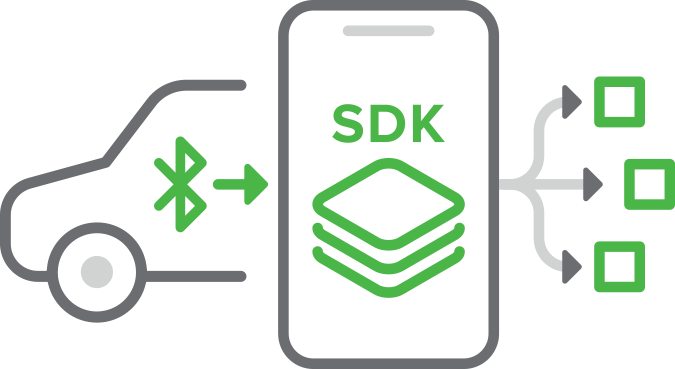
Link tracking to a specific vehicle via a Bluetooth device. When the driver approaches that vehicle, tracking starts automatically — ideal for multi-vehicle drivers when only one vehicle should be tracked.
Product Features
Works in the Background
Runs seamlessly inside your app and activates automatically when driving starts.
Autonomous Trip Detection
Detects driving and starts recording trips without any user interaction.
AI-Driven Data Quality
Uses AI to improve data collection and adapt algorithms across environments and vehicle types.
Low Battery Impact
Typically under 5% daily battery use, using multi-sensor evaluation to reduce GPS dependence.
Mutli-sensor Data Capture
Leverages a modern phone’s 16+ sensors to build a rich dataset for deeper insights.
Accurate Dataset
Smartphones can capture ~98% of driving infractions detected by black-box or OBD devices.
What the SDK Can Do
Driver Scoring
Generate driver safety scores using advanced behavioral models.
Safety Score Calculation
Risk Assessment
Driver Ranking
Custom Scoring Models
Driver Behavior Analysis
Analyze driving patterns using accelerometer, gyroscope, and GPS signals.
Harsh Braking Detection
Rapid Acceleration Detection
Phone Usage While Driving
Cornering Behavior
Driving Insights & Analytics
Transform trip data into actionable insights.
Trip Statistics
Driving Trends
Risk Patterns
Fleet Insights
Real-Time Telematics Data
Stream telematics events to backend systems.
Event Webhooks
Real-Time Trip Events
Driving Events
Location Updates
Crash Detection
Detect potential accidents and trigger alerts in real time.
Real-Time Crash Detection
Impact Severity Estimation
Emergency Notifications
Event Reporting
Integration with Your Platform
Connect SDK data with your backend and applications.
REST APIs
Webhooks
Data Export
Cloud Integrations
Available Services and Datasets
Trip & Route Data
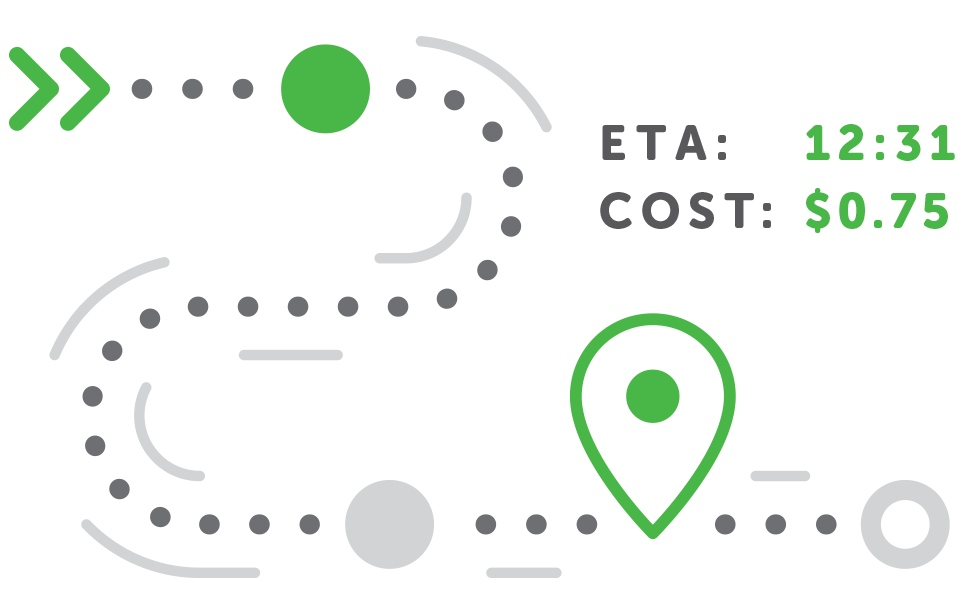
Trip Detection
Automatically detected trips with start/end times, routes, and trip summaries.
Trip Waypoints
High-precision location points optimized for urban and highway environments.
Trip Log
Complete trip records enriched with driving metrics and events.
Distance & Mileage
Total trip distance and segment-level mileage analytics.
Driving Behavior
Driving Style
High-frequency sensor data enables precise analysis of driver behavior.
Driving Patterns
Behavioral profiling of driving habits and long-term driving trends.
Speed Analytics
Detailed speed statistics including max speed, average speed, and speeding events.
Driving Time
Accurate driving duration and time-based usage insights.
Events & Safety
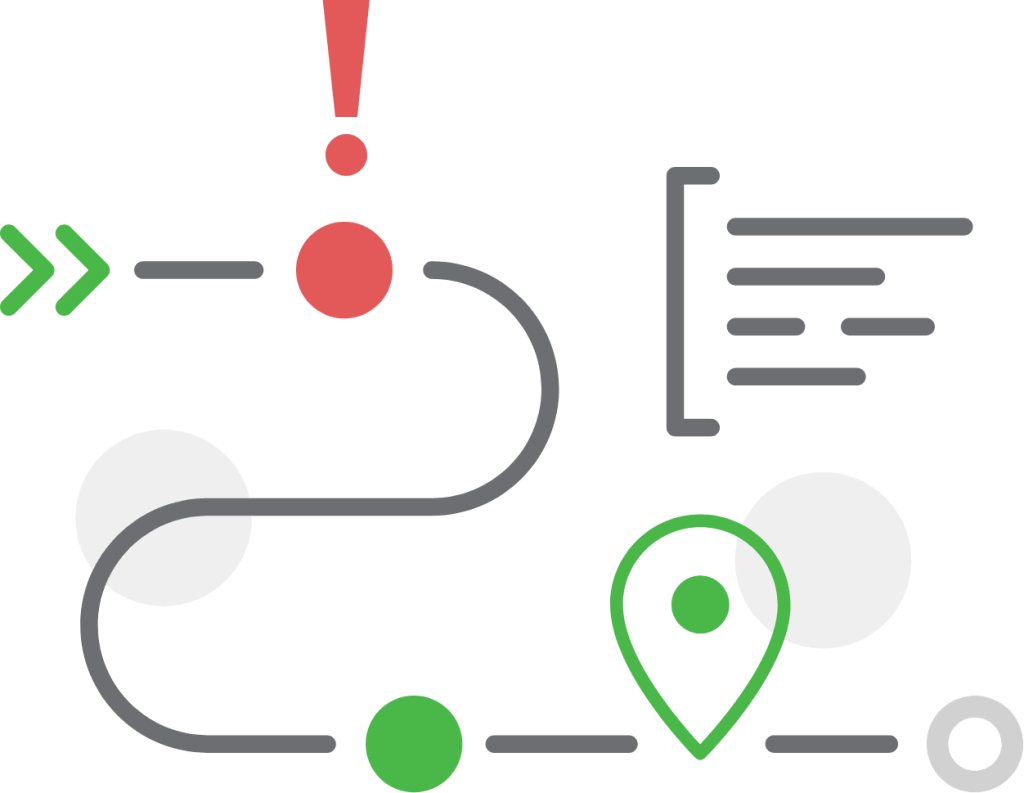
Trip Events
Detection of driving incidents such as harsh braking, acceleration, and cornering.
Collision Monitoring
Crash detection and verification using telematics data and sensor analysis.
Geo Data
Filtered location datasets for geo-analysis, route intelligence, and points of interest.
Real Time Data
Stream telematics events and trip updates to external platforms via APIs and webhooks.
How to Create a Telematics App
We aim to reduce time to market for your product so our products are designed to provide you with an easy to integrate and use solution.
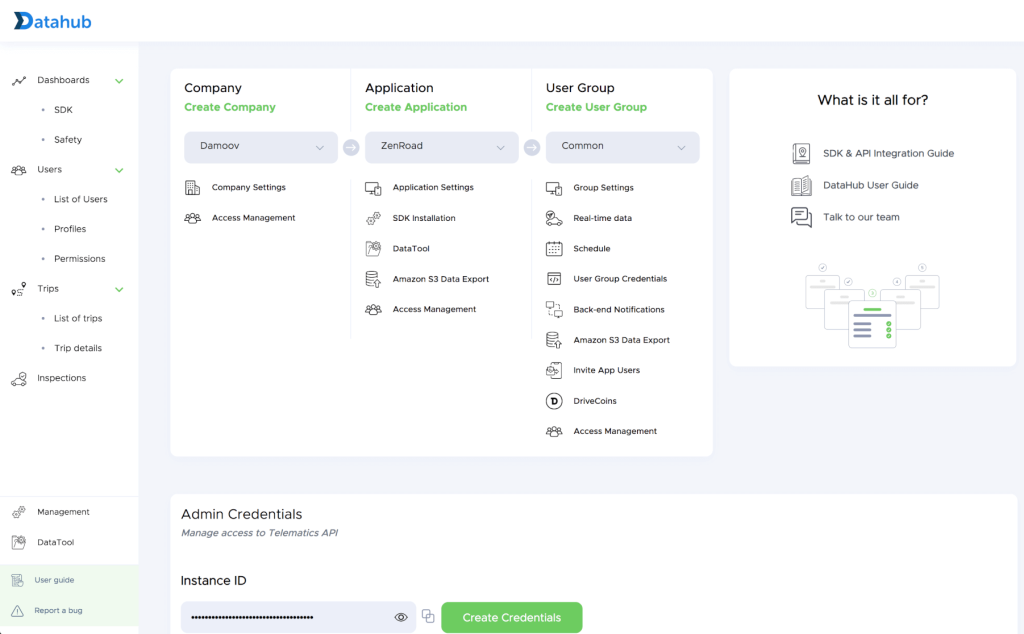
Go to DataHub and enter your contact details and basic company information.
For verification, you’ll receive an email with a confirmation code. Enter the code to create your company account, with you set as the company owner. After signup, you can add additional admins at any time.
Open DataHub and click Management (bottom left) to access the Management screen. Complete the required fields in Company Settings and Application Settings. If your app isn’t published in app stores yet, select UAT (User Acceptance Testing).
Configure Authentication
Click your username in the top-right corner and select Global Settings. Choose km or miles, and select HERE Maps (recommended to avoid UI issues in DataHub) or Google Maps. These settings affect the DataHub interface only, not your mobile application.
Source-code and Demo Mobile Apps
For your convenience, we have published a source code via Demo Apps, you can use it as a reference.
In addition to the video guide, comprehensive documentation is available to help you quickly integrate and configure the Telematics SDK in any Android app — both native and cross-platform.
Android SDK Documentation
Add Android Mobile SDK
In-built assets and customization
In-built methods
In-built callback
Tagging trips
Point data to 3rd party TMS
Critical SDK updates are shared via announcement emails to all DataHub-registered users. Stay up to date with the detailed Android Changelog.
Alongside the video guide, comprehensive documentation helps you quickly integrate and configure the Telematics SDK in any iOS app — native or cross-platform.
iOS SDK Documentation
Add iOS Mobile SDK
In-built assets and customization
In-built methods
In-built callback
Tagging trips
Point data to 3rd party TMS
Critical SDK updates are shared via announcement emails to all DataHub-registered users. Stay current with the detailed iOS Changelog.